
01
Separate coverage from printing chemistry
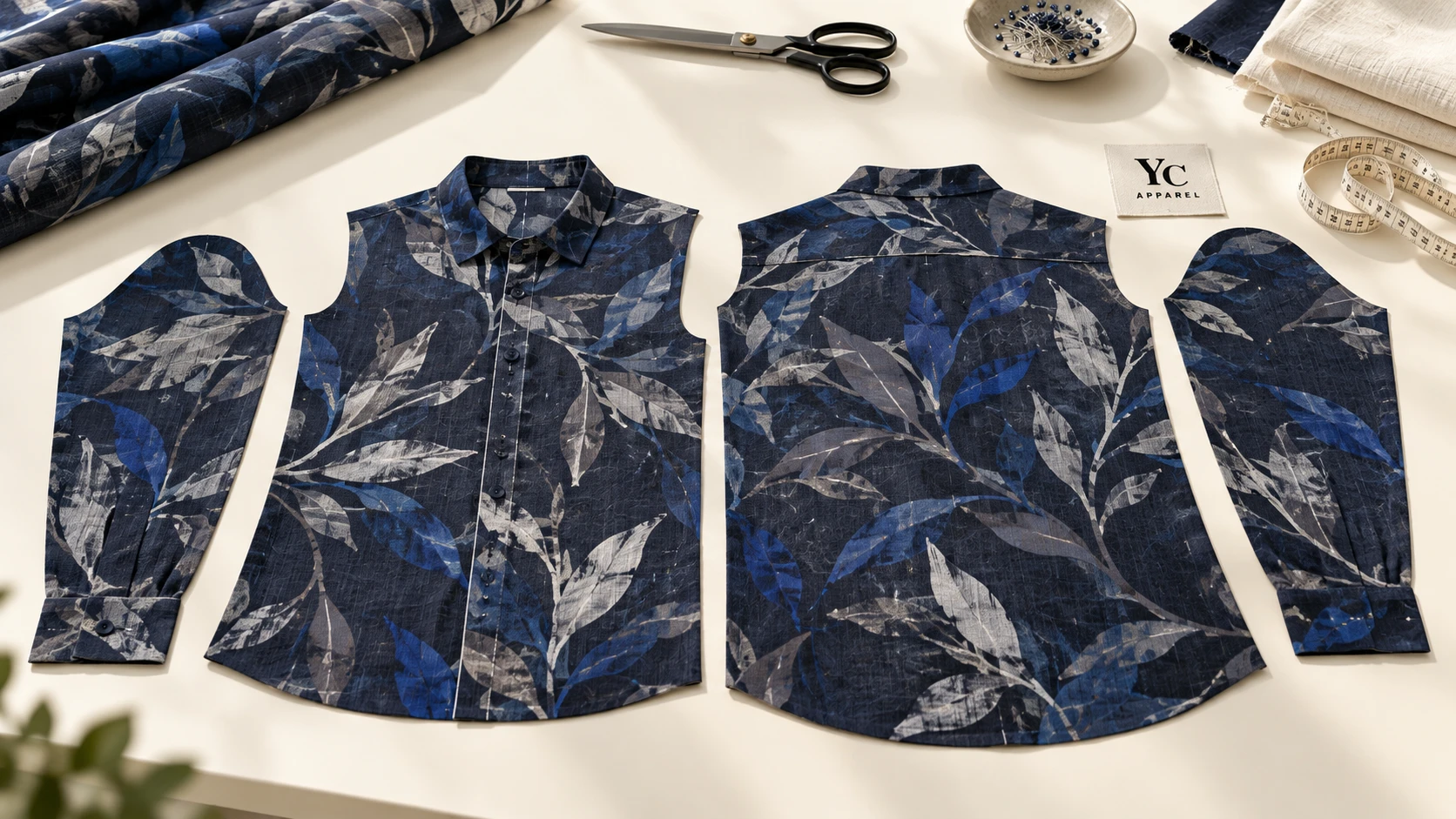
All-over printing is often associated with sublimation, but the terms are not synonyms. Printful documents both synthetic-fabric sublimation and cotton pigment routes for its AOP products.[1] That example shows why the material and process must be named rather than inferred from coverage.
Ask whether the project prints fabric before cutting, prints prepared panels, or uses another defined route. Identify the garment template and its revision. Artwork placed on the wrong template can be visually convincing and still fail the actual cutting layout.
Keep the print method’s material and care requirements with the production brief. A design decision about edge coverage does not approve colorfastness, handle or the compatibility of the selected fabric and print system.
| Boundary | Purpose | Who defines it |
|---|---|---|
| Cut line | Where the panel is cut | Pattern / production team |
| Stitch line | Where assembly joins the panel | Pattern / sewing specification |
| Bleed extent | Background extension beyond the intended visible area | Printer template and process |
| Safe area | Protection for important details from edge variation | Supplier-specific artwork guidance |
02
Use the real template and keep critical details away from edges
Printful’s safe-area guidance illustrates the principle of protecting essential artwork from cutting and placement variation.[2] Its template dimensions should not be transferred as universal margins to a different supplier or garment.
Put small text, faces and brand marks where the agreed safe area can protect them. Extend noncritical backgrounds to the required bleed boundary. Do not leave a white gap outside a panel simply because it falls beyond the visible design in your editing software.
Keep template guides on clearly named nonprinting layers. Confirm how the printer wants the file supplied and request a proof showing the intended visible area. A guide accidentally included in print artwork is a file-control problem, not an acceptable production variation.
03
Decide which seam relationships really matter
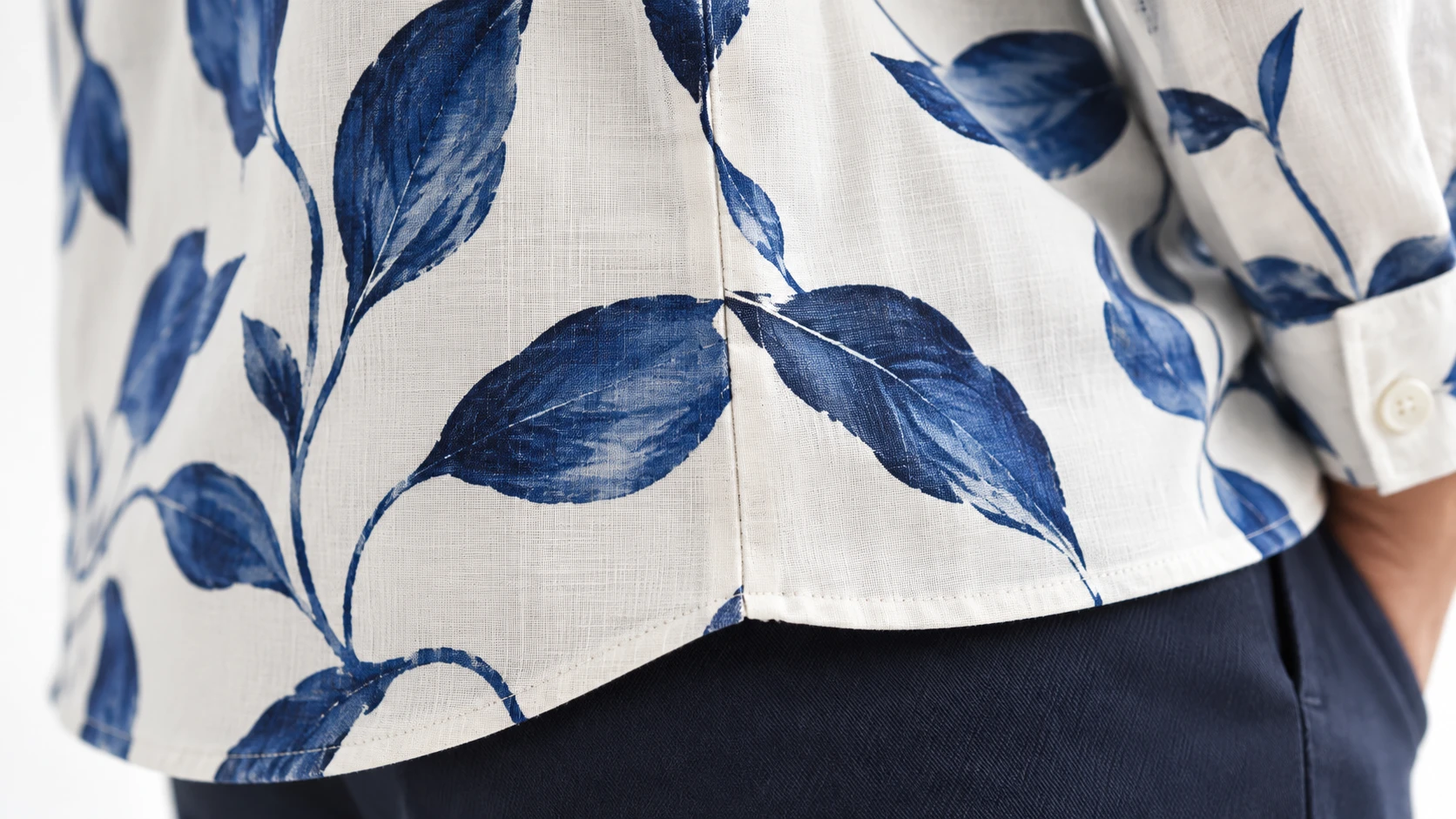
Choose whether the design tolerates natural interruptions or requires specific matching. A scattered small motif may be more forgiving than a large horizontal stripe. A central graphic split across an opening creates a different approval problem from an abstract repeat at a side seam.
Mark critical joins and ask the supplier whether the requested relationship is achievable within the construction and cutting plan. Do not write “perfect matching everywhere” without discussing the tradeoffs. Seam matching can interact with material usage, panel orientation and size variation.
Review a sewn sample from more than one angle. A flat front photograph may hide an interruption at the side or underarm. Keep the acceptance description specific to the marked join and approved sample.
| Design feature | Review focus |
|---|---|
| Small scattered repeat | Overall balance and unwanted clusters |
| Horizontal stripe | Alignment at the named seam or opening |
| Large face / wordmark | Avoiding a critical cut or distortion |
| Directional motif | Orientation on body, sleeves and other panels |
| Abstract background | Coverage and unintended blank edges |
04
Approve how the artwork changes across the size range
A single attractive medium-size mockup cannot show every size. Ask whether the artwork remains at a fixed physical scale, is repositioned by size, or is scaled with the panel. Each approach changes the visual result.
For a fixed-scale repeat, larger panels may show more motifs. For scaled artwork, motif dimensions may change. If placement is adjusted by size, the production files need their own identification. Choose deliberately rather than allowing the export workflow to decide.
Review the smallest and largest relevant panels and any size where a critical feature crosses a seam or edge. The appropriate sample coverage depends on the design. This is a risk-based review suggestion, not a rule that two sizes always approve the whole range.
A panel-to-garment review
- TemplateCorrect style, size and production revision.
- ArtworkBleed, safe areas and nonprinting guides checked.
- Size rangeScale and placement behavior explicitly chosen.
- Sewn sampleCritical joins and complete appearance approved.
05
Release a file set that production can identify
Name files by style, size or size group, artwork revision and panel. Include an index showing which file belongs to each panel and which side faces outward. Keep the approved proof and physical sample references with that index.
A hypothetical striped tee may receive conditional approval for color and coverage while its side-seam alignment remains open. The revision should address that named join. Do not reopen the whole design unnecessarily, but do not release production while the critical condition is unresolved.
If the pattern, material width or printing route changes, review whether the artwork layout still applies. The final approval should connect the design to the construction that will actually be produced.
Panel-based artwork also affects the product-development route. The cut-and-sew versus blanks guide explains why the starting garment structure matters.
06
All-over-print panel approval record
Connect the artwork files to the supplier template, critical seams and size-dependent appearance.
Attach the template revision, a panel-file index and marked critical joins. Use conditional approval only when the unresolved items are named and production release is clearly controlled. Do not treat a mockup as a cutting specification.
All-over-print panel approval record
Complete the working record, export it to continue later, or print your entries. No account is required.
Open the editable record ↗Download blank text brief07
Questions buyers ask
Is all-over printing only for polyester?
No. Coverage and chemistry are different decisions; available routes depend on the printer and material. Confirm the actual process rather than assuming sublimation.
How many millimeters of bleed should I add?
Use the supplier’s current template and instructions for that product. This guide does not prescribe a universal bleed or seam allowance.
Will the same artwork file fit every size?
Only if the production workflow explicitly supports that approach and the resulting scale and placement are approved. Review size-dependent panel behavior.
Sources & further reading
Sources checked 18 October 2026. The notes below identify what each source supports. Editorial examples, planning assumptions and illustrations are not supplier test results or official acceptance limits.
- Printful — What Is AOP and How Does All-Over Printing Work?A printer documents both synthetic sublimation and cotton pigment AOP routes, illustrating that coverage and chemistry differ.
- Printful — What Is the Safe Print Area?Explains protecting critical details from cutting/placement shifts. Obtain the actual supplier template; no universal margin is supplied.
- Spoonflower — Repeat OptionsExplains basic and staggered repeats. Platform-specific dimensions are not adopted as garment specifications.