
01
Start by stating what you are approving
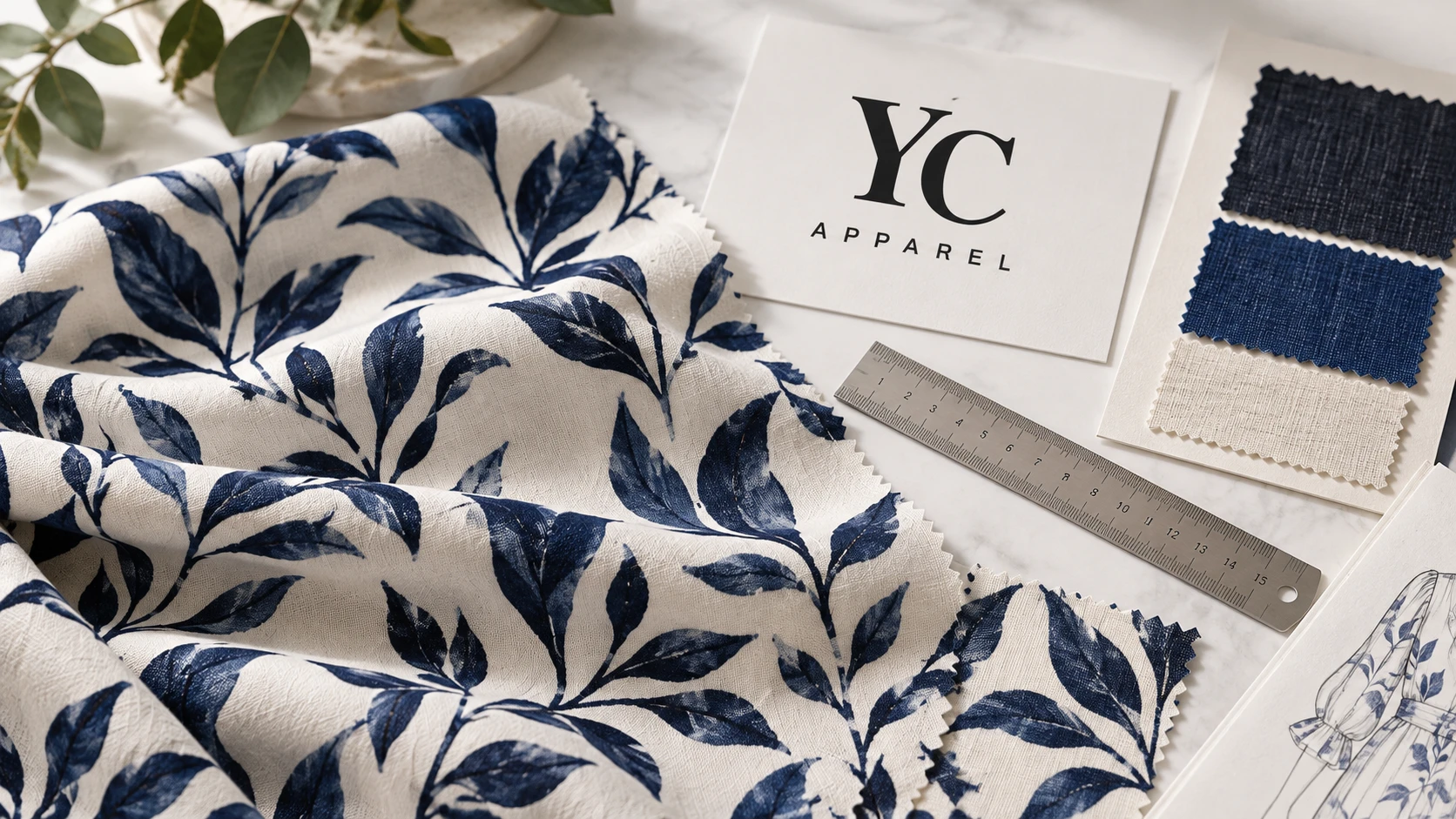
A digital proof confirms how a file is arranged. A physical strike-off lets you inspect what the selected print route produces on the material. Spoonflower explicitly distinguishes digital proofing from physical color and quality review, and notes that sample size must suit the design.[1]
A small swatch may show a color and fine line well while hiding a repeat boundary. Request enough printed area for the decision. If the motif is larger than the sample, state what remains unapproved rather than assuming the unseen portion will be correct.
Identify the substrate and printing route on the sample record. A trial on a similar base can be a development aid, but it should not silently become final approval for a different fiber blend, weight or finish.
| Reference | Useful for | Still open |
|---|---|---|
| Digital proof | File arrangement, orientation and intended scale | Physical color, handle and surface quality |
| Fabric strike-off | Print result on identified material | Cut-panel position and sewn appearance |
| Garment sample | Placement, seams, drape and complete assembly | Any unrepresented sizes or production substitutions |
02
Inspect the repeat boundary, not only the favorite motif
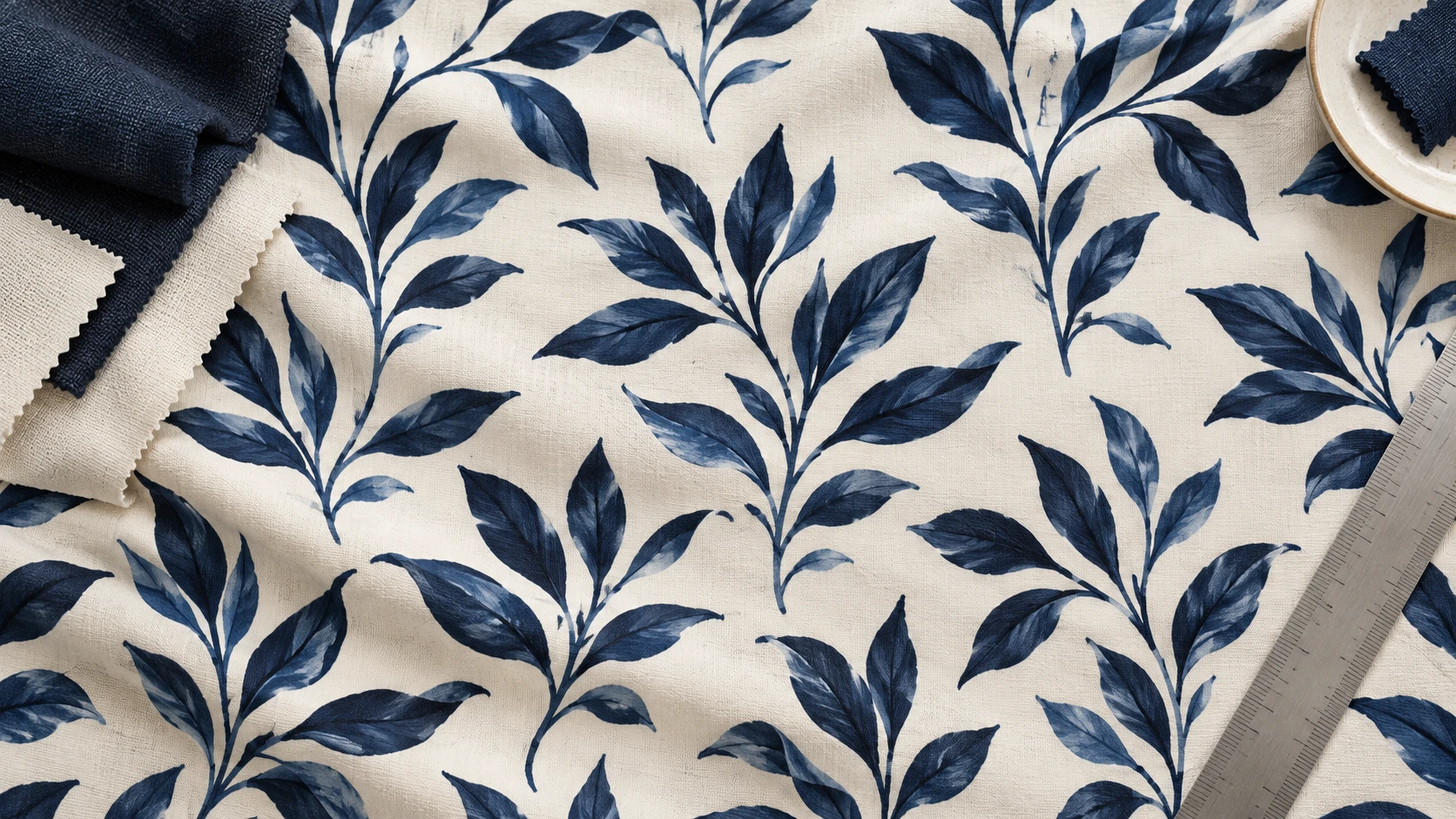
Mark the repeat dimensions and the orientation of the fabric. Check the transition between repeated units, including staggered layouts. Repeat types such as basic and half-drop change the relationship between neighboring motifs.[2] The name alone does not confirm that the supplied file joins cleanly.
Look for unintended stripes, gaps, crowded clusters or directional changes that appear only across a larger area. Rotate the cloth as it would be used in the garment, but keep the intended direction clearly identified. A design that looks balanced in a square swatch may feel very different down a long sleeve.
Measure the printed motif and repeat against the approved artwork dimensions. Do not rely on the size of an on-screen preview. Record whether dimensions refer to the source file, printed repeat or a particular motif; those are different measurements.
03
Approve color with a physical reference and viewing agreement
Identify the target by reference ID and revision. If a reference photograph is all you have, say that it is a direction rather than a definitive physical color standard. Screens, lighting and image processing can change its appearance.
Review the whole palette, including adjacent colors and small details. A color that looks acceptable in isolation may change the perceived balance of the print. Record any accepted deviation explicitly so a later reviewer does not treat it as an unnoticed error.
Keep the sample in its intended finished state. If a later wash, coating or other treatment is planned, discuss whether color and handle approval must occur after that stage. Approval of a crisp unwashed print should not accidentally approve an unknown post-treatment appearance.
| Check | Specific observation to record |
|---|---|
| Identity | Fabric code, lot, print route and artwork revision |
| Color | Physical target, viewing agreement and accepted differences |
| Scale | Measured repeat and critical motif dimensions |
| Detail | Fine lines, edges, small text and registration where relevant |
| Surface | Handle, coverage and visible print defects |
| Condition | Treatments already completed and stages still to follow |
04
Use conditional approval without losing the open issues
Consider a hypothetical large floral repeat. The strike-off shows acceptable colors and sharp edges but includes only part of the repeat. A useful decision is “color and detail accepted on this base; full-repeat continuity remains open.” It is not “print approved.”
Request a larger representative area for the unresolved check. If a color correction changes the file or process, issue a new revision and review the affected decisions again. Avoid combining an old approved color sample with a new unapproved scale file without a clear reference set.
For a garment with a motif near the side seam, also request a sewn sample or panel-placement review. A fabric strike-off cannot show the effect of cutting and assembly. Keep that decision in the all-over-print or placement brief.
Approve in defined layers
- FileCorrect revision, dimensions and repeat layout.
- MaterialIntended base and finishing condition.
- PrintPhysical color, detail, scale and handle.
- GarmentPanel placement, seams and finished appearance.
05
Give production one unambiguous reference set
Label the approved physical sample and save the matching artwork file. Record the approval date, reviewer and any conditions. If the supplier keeps the master sample, keep an identified counterpart or an agreed record of where it is held.
List what triggers reapproval: a different fabric base, changed artwork scale, a new print route or a material substitution. Color-lot management also needs an agreement; a sample cannot remove all variation from future production by itself.
When sending feedback, describe the change in relation to the reference: which color, motif, dimension or edge needs attention. “Make it more premium” gives the printer no measurable decision. A marked reference and a short revision list are much more useful.
Keep the approved print reference in the clothing tech pack alongside the artwork revision and material code, so sampling feedback becomes a controlled production instruction.
06
Fabric print strike-off approval sheet
Separate approved attributes from open garment-level decisions, and keep the physical sample tied to the exact artwork revision.
Use the record to issue a clear accepted, conditionally accepted or revise decision. Conditional approval must name the unresolved attribute and the evidence needed to close it. Do not use a digital preview as the final physical color record.
Fabric print strike-off approval sheet
Complete the working record, export it to continue later, or print your entries. No account is required.
Open the editable record ↗Download blank text brief07
Questions buyers ask
Is a strike-off the same as a lab dip?
No. A strike-off evaluates a printed design on material. A lab dip typically supports a dyed-color decision; it does not show the complete printed repeat or its detail.
Can I approve from a photograph?
A photograph can support discussion and file checks. For consequential physical color, surface and handle decisions, request an identified physical sample.
Does strike-off approval guarantee seam matching?
No. Seam matching depends on panel placement, cutting and assembly. Review that separately on the intended garment construction.
Sources & further reading
Sources checked 18 October 2026. The notes below identify what each source supports. Editorial examples, planning assumptions and illustrations are not supplier test results or official acceptance limits.
- Spoonflower — Proofing Your DesignPrinter explains why digital proofs do not replace physical color/quality samples and why sample area must suit repeat size.
- Spoonflower — Repeat OptionsExplains basic and staggered repeats. Platform-specific dimensions are not adopted as garment specifications.